 T-Agent
T-Agent generates real travel photos and travel guide infographics
T-Agent has two image capabilities for travel: it finds a real photo first and generates travel photos and posters from that reference, and it builds travel guide infographics in 12 styles and 8 layouts. The article includes a three-way test at Tianluokeng Tulou, the four source levels and four checks for reference images, and 12 infographic examples from one Chongqing itinerary.
Images in travel content have a different job from images in most other industries.
Elsewhere, a good-looking picture is usually enough. Travel readers check first whether it is the place: whether the mountain has that shape, whether the leaves are red at that time of year, which side the room's window faces, whether the pier is the one the article describes. Then some of them use the picture to find their way, compare prices and book.
A travel image has to look good and also carry part of the facts. Travel content needs two kinds of image: photos that match the real place, and visuals that lay out a guide's key points. T-Agent does one thing for each: generating real travel photos and producing travel guide infographics.
Generating real travel photos and posters
A three-way test at Tianluokeng
We picked the Tianluokeng Tulou Cluster in Nanjing County, Fujian, the group nicknamed "four dishes and a soup", and gave the same prompt to Doubao, to prompt-only generation (no reference image) and to T-Agent (with one real reference photo attached):
福建土楼田螺坑土楼群的航拍照片:几座圆形土楼坐落在半山坡上,被层叠的梯田和青山环绕,清晨薄雾,柔和的阳光,写实摄影,横构图
(An aerial photo of the Tianluokeng Tulou Cluster in Fujian: several round earthen buildings on a hillside, surrounded by layered terraces and green mountains, light morning mist, soft sunlight, realistic photography, landscape format.)
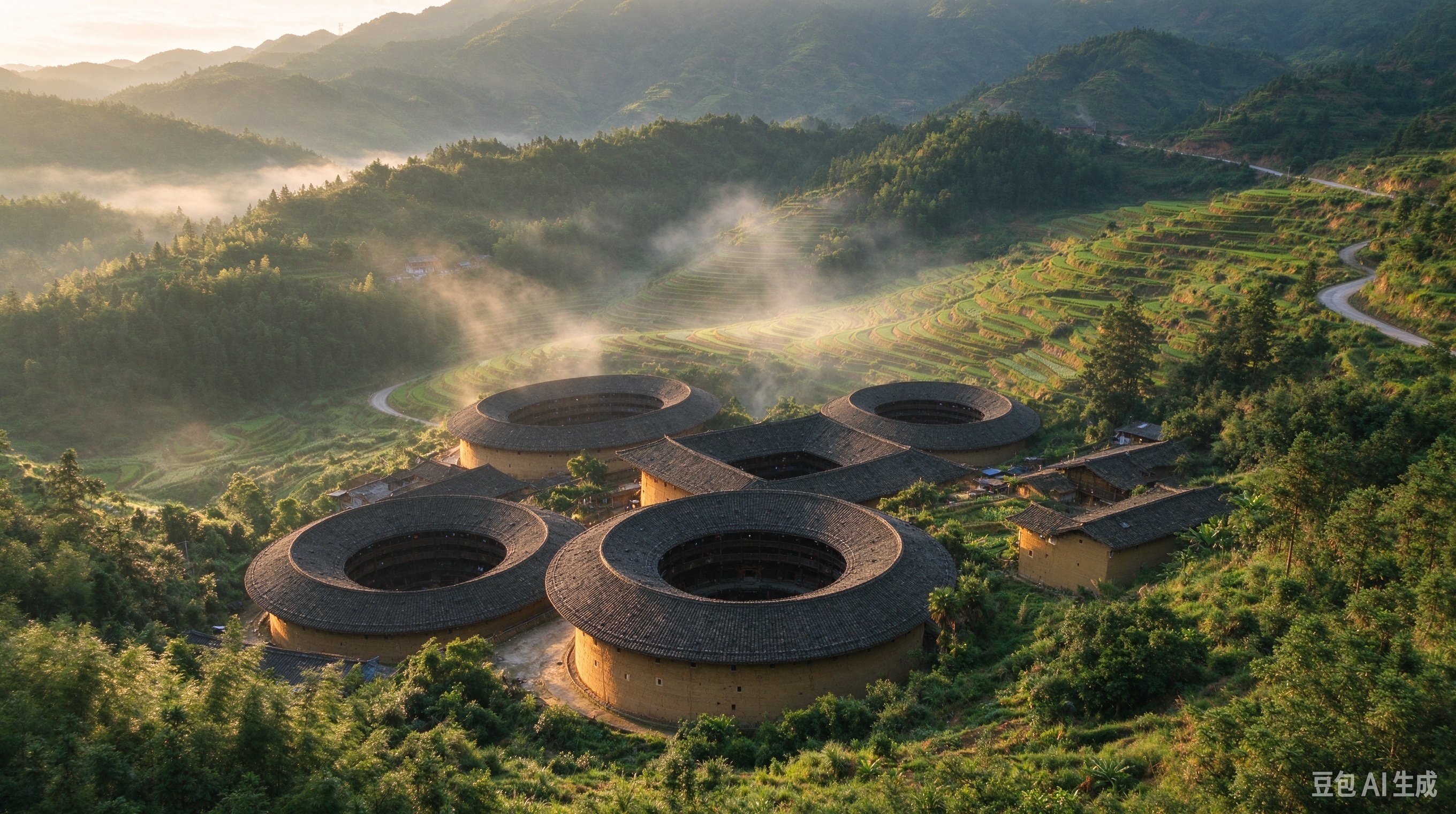
Doubao: it looks like tulou, but the five buildings have been set down on gentle green ground. The four round ones are spread out, the square one is pushed to the back, the courtyards are too wide, and the grey tiled roofs lack the weight they have on site.
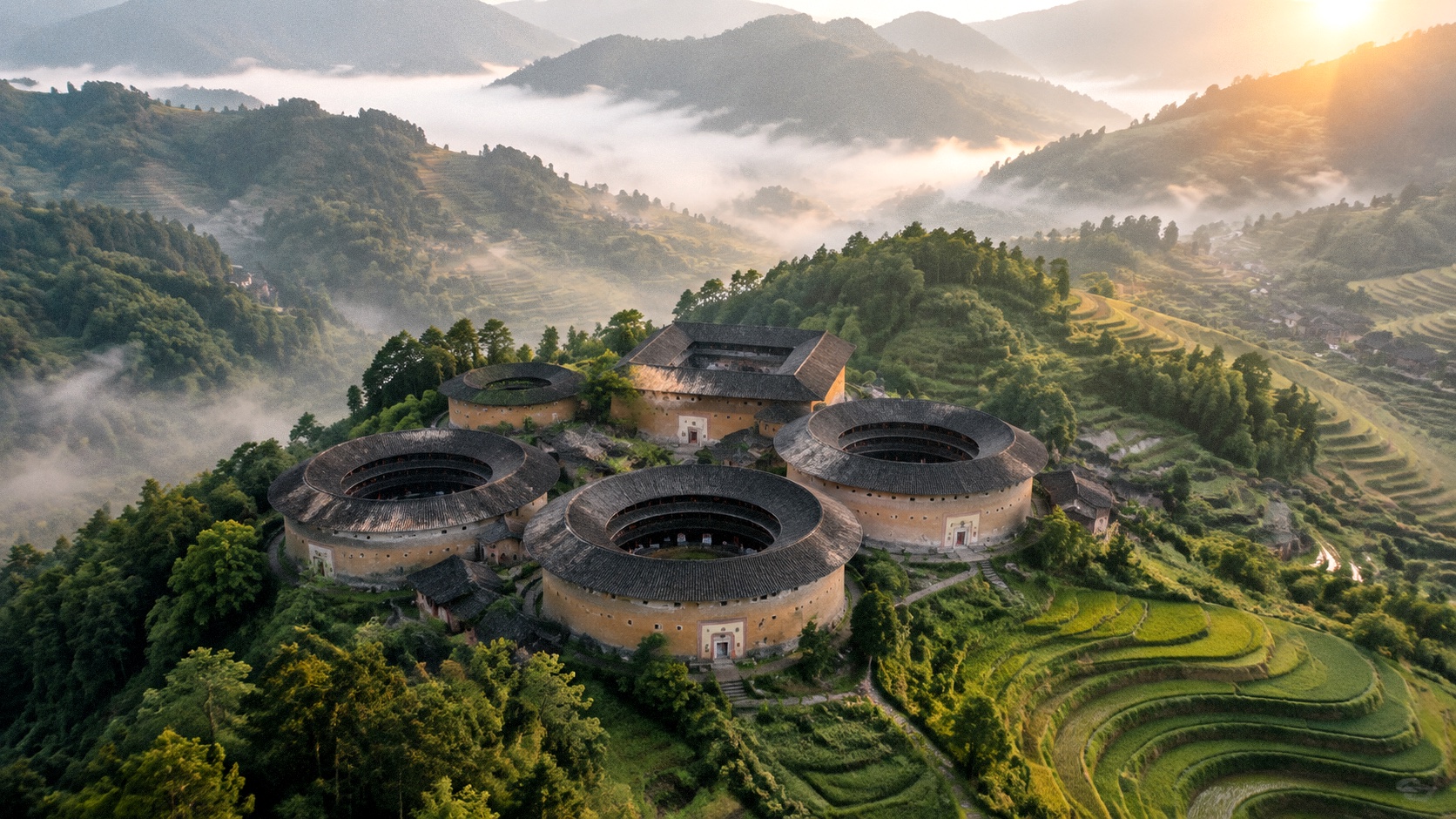
Prompt-only generation with no reference image, the same route general text-to-image models such as ChatGPT take. The mist and light are prettier, but it is still an idealised "tulou cluster": square building at the back, round ones in front, wide lawns between them, and a layout the model worked out for itself.
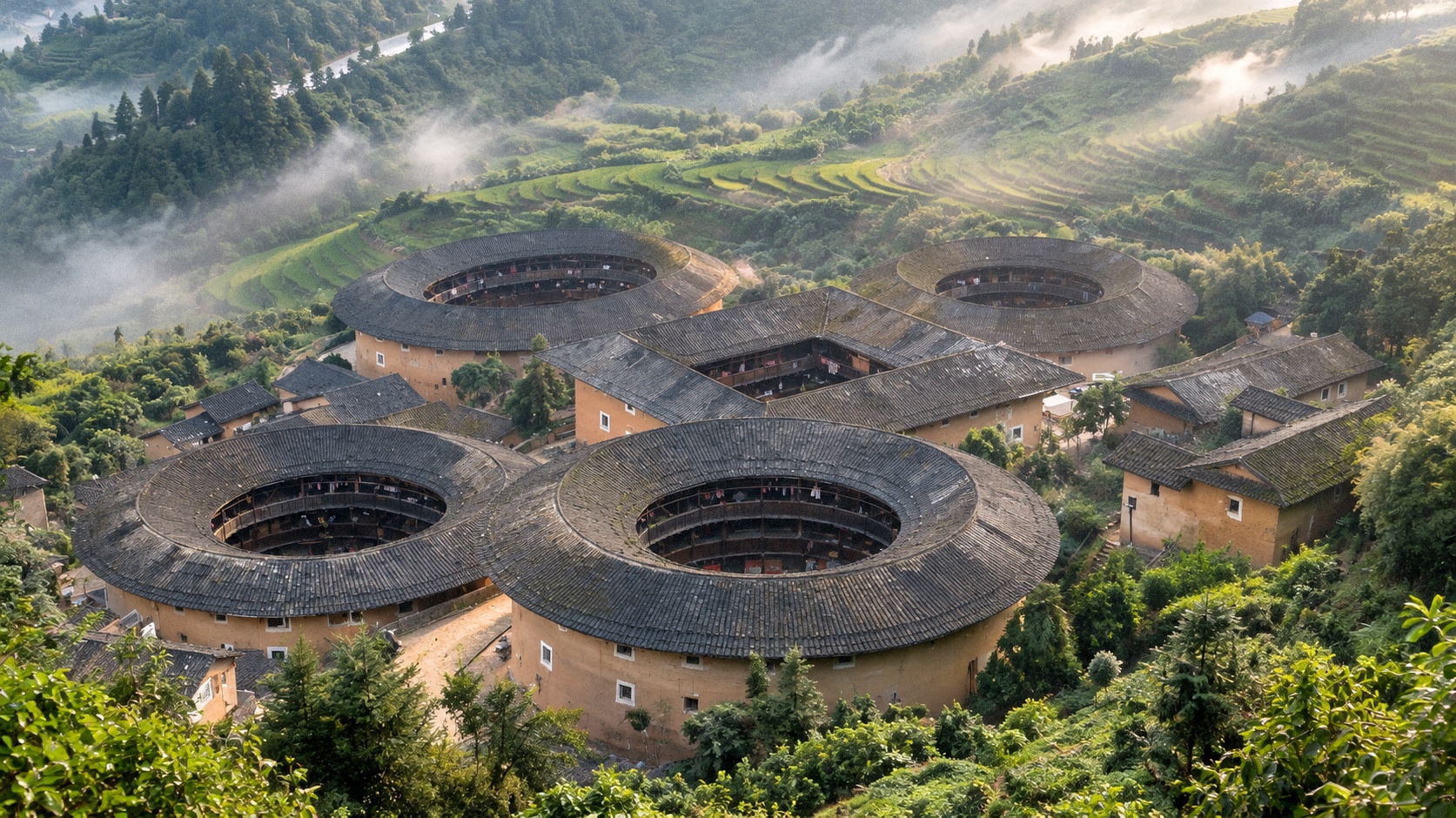
T-Agent: the same prompt, with a real photo of Tianluokeng attached as reference. The actual layout of a square building ringed by four round ones, the way the five sit packed together on the slope, the roof shapes and the direction of the terraces all match the site.
Each image holds up on its own. Side by side, the first two show a plausible Fujian tulou cluster where the model decided how the five buildings sit. In the T-Agent image, their positions and density are Tianluokeng's own. The difference comes from the photo T-Agent found before generating:
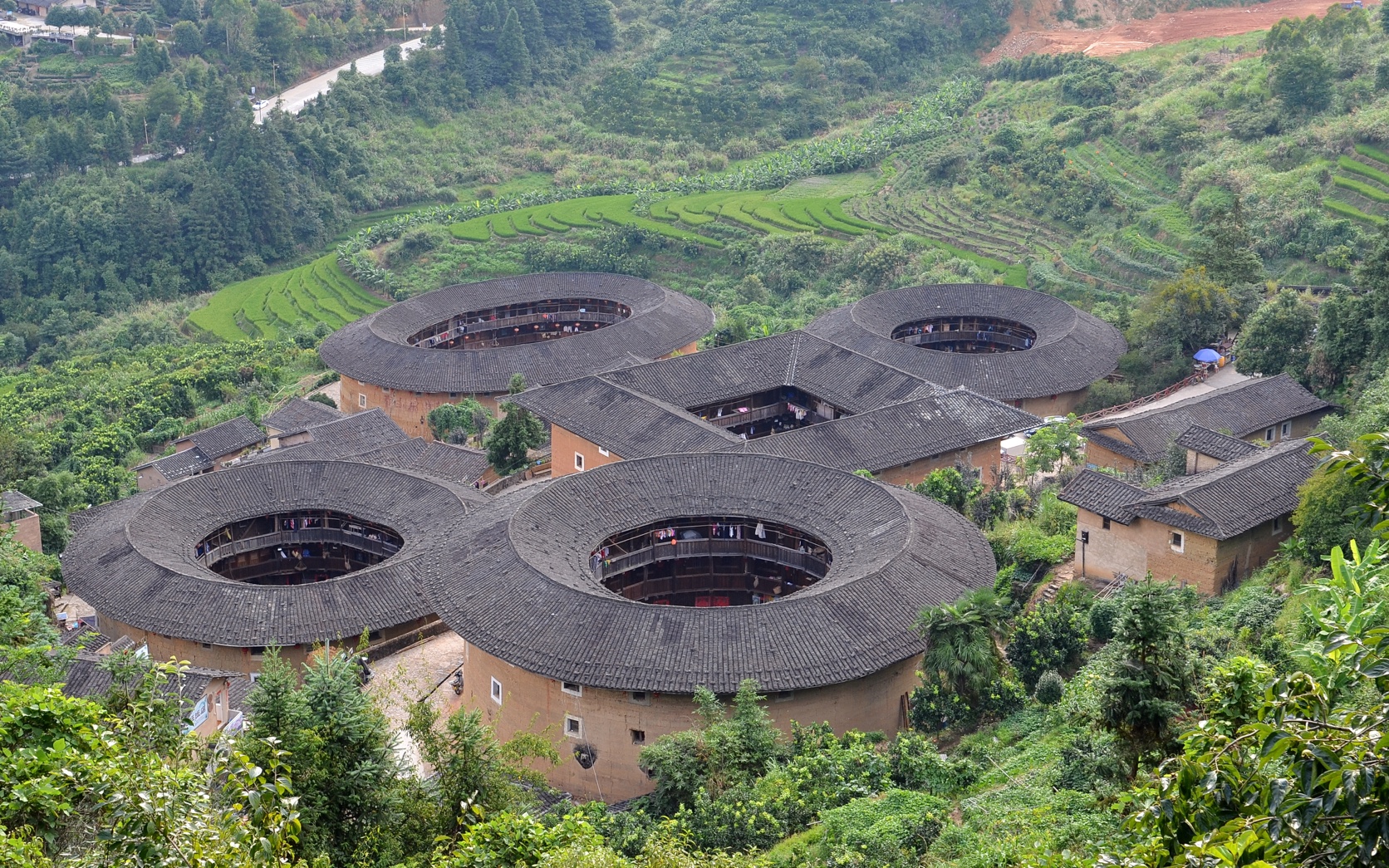
The real reference T-Agent used: an aerial view of the Tianluokeng Tulou Cluster in Nanjing County, square building in the centre with four round ones around it. Source: Wikimedia Commons (File:Tianluokeng Tulou cluster 20140829.JPG, by 颐园新居, CC BY-SA 4.0), compressed for web loading.
Travel posters with headlines
Put a headline and one line of subheading on the T-Agent image and it works as a travel poster as it stands:
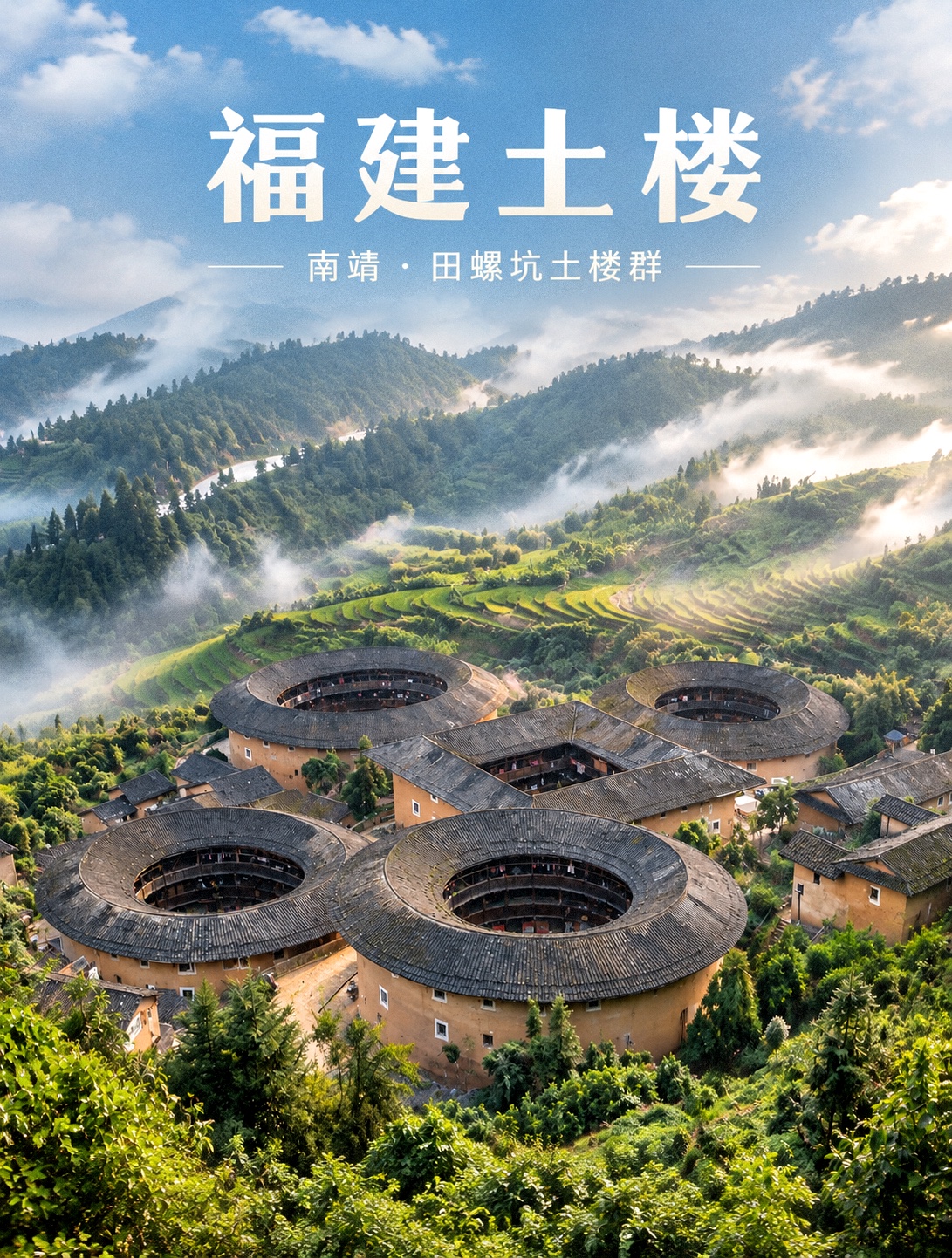
The same image with text. The words sit in the open sky and mist, the tulou stay uncovered, and every cue of place and season is kept.
Covers for destinations, hotels, attractions and guides can all be made this way. The location, subject, composition, light and season stay as they are, and the headline, subheading, or hotel or brand name goes in the sky or other empty space where it does not cover the subject. The base image is backed by a real photo, so with text on top readers still see the same place.
Where reference images come from, and how they are checked
For photo-style images, T-Agent takes the prompt and first looks for a real photo it can verify, then has the model work from it. If no reference passes verification, generation does not start.
Where it looks
Material the user supplies comes first. When T-Agent has to find images itself, it works through four levels and drops to the next only when no candidate at the current level passes verification:
- Public photo libraries such as Pexels
- Wikimedia Commons
- The subject's official pages: attraction, hotel and destination websites, plus OTA pages that host hotel and destination photos
- Google Images
The fourth level is only for discovering images. Search result pages and thumbnails do not count as references. T-Agent goes back to the page that hosts the original and verifies it at the source. The Tianluokeng reference was found at the second level.
Four checks on every reference
| Check | Requirement |
|---|---|
| Source page | The original image page opens directly, with no login, CAPTCHA, paywall or anti-scraping workaround; sites that explicitly forbid scraping or use as reference are dropped |
| Image file | The final image URL returns a success status, the type is JPEG, PNG or WebP, and the bytes decode into an actual image; a file extension is no substitute for verification, and search result pages, article pages and thumbnail redirect pages serve only as leads |
| Usage risk | Images showing recognisable trademarks, logos or watermarks are dropped; so are images whose main subject is a private home, a non-public interior or a restricted private building without clear permission |
| What the image shows | The image has to be opened and checked for location, subject, season, scene and key landmarks; search terms, file names and text descriptions help find candidates and cannot replace checking each image |
The fourth check takes the most time and is the easiest to skip. Fill the gap with a neighbouring city, a similar building or a different season, and the image stops matching the site.
A different reference for each image slot
A plan for N images needs N different primary references. Different sizes, compressed versions and crops of one photo still count as the same image. When an independent photo cannot be found, only the missing slot gets filled, and a reference already in use is not brought in to cover it. If none of the four levels turns up a suitable image, T-Agent asks the user for a link or a file. The process does not fall back to "no reference, generate something anyway".
Making travel guide infographics
Checklists, routes, comparisons and layered key points do not fit in a scenery photo. T-Agent turns them into information cards, with guide highlights, itinerary pacing, price ranges and comparisons laid out in layers across a set of images.
12 styles, 8 layouts
Information cards come in 12 visual styles and 8 layouts that combine freely. The library was merged from several independent skills, so the range is wide: sweet sticker, fresh and airy, warm and cosy, high-impact, minimal, retro, comic pop, black-and-white knowledge card, chalkboard teaching, handwritten notes, screen print and hand-drawn infographic. Colours are not locked down; name any palette you want. The library is still growing.
Below is one Chongqing "3 days, 2 nights" itinerary made in all 12 styles, each built on the same real Hongya Cave night photo. Open any card to see it full size:
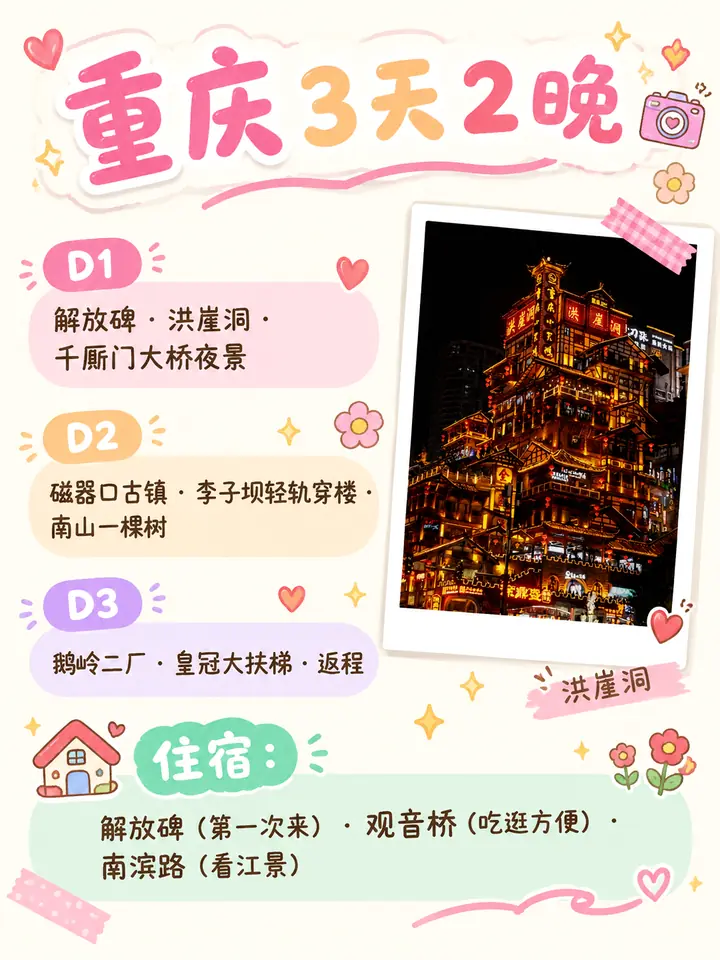
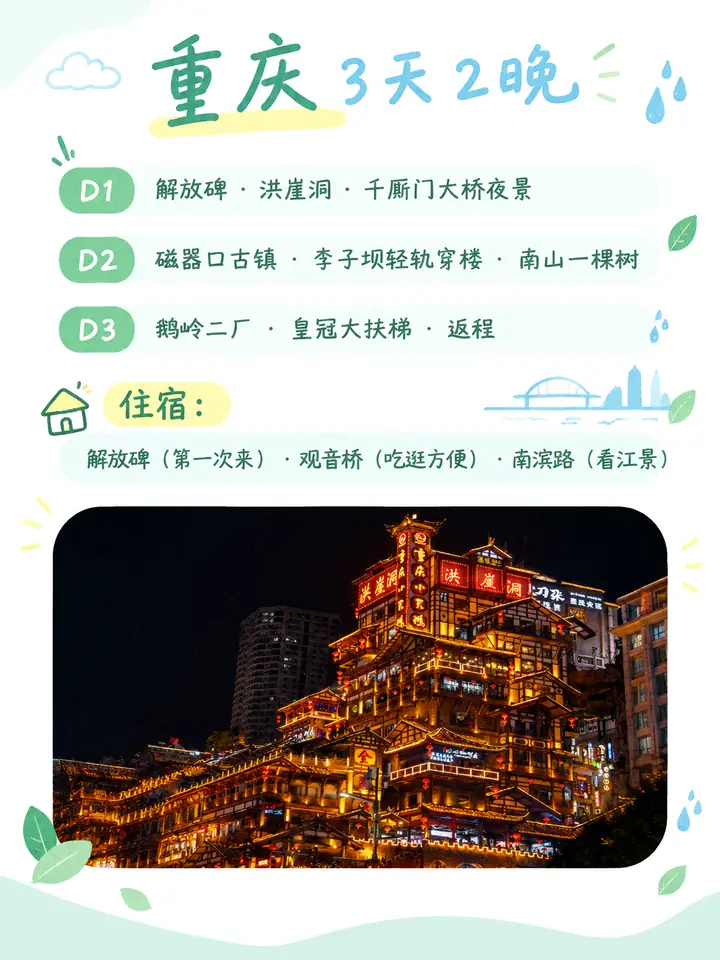
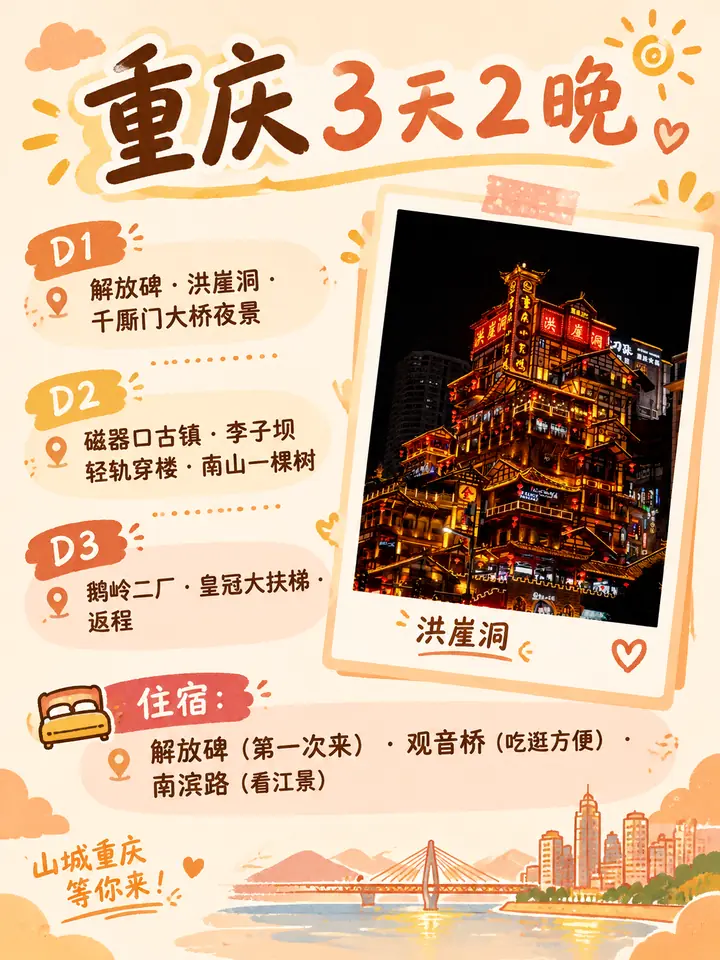
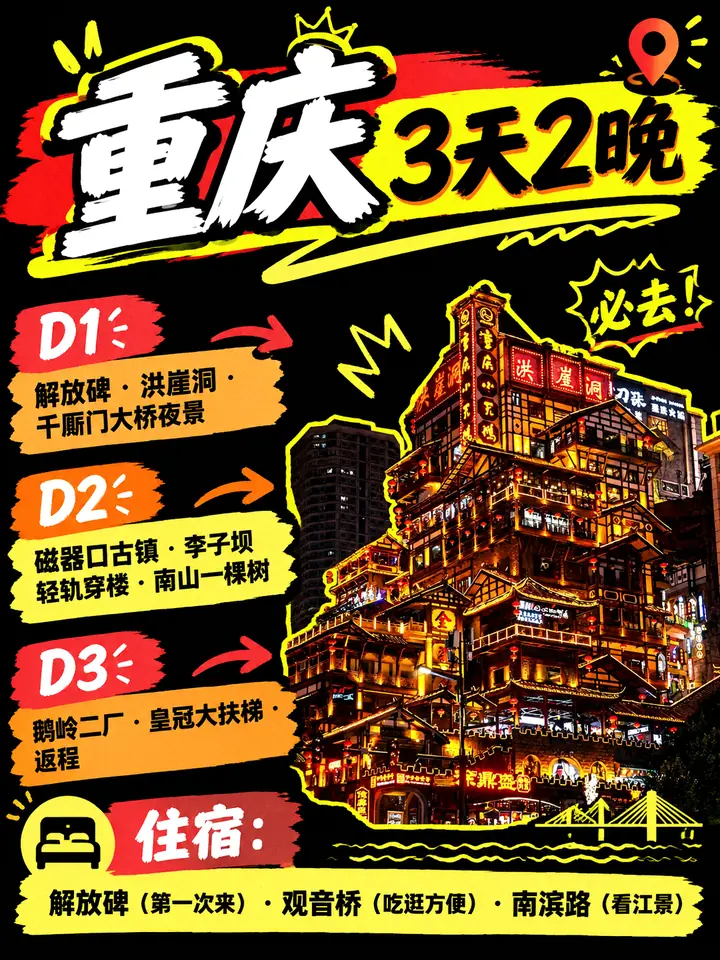
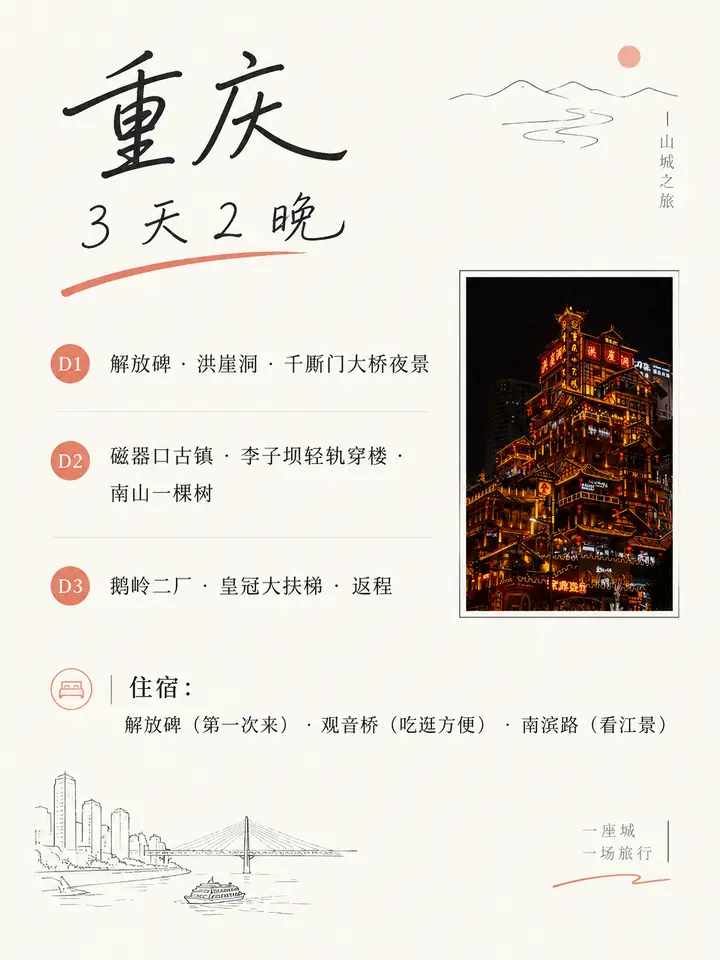
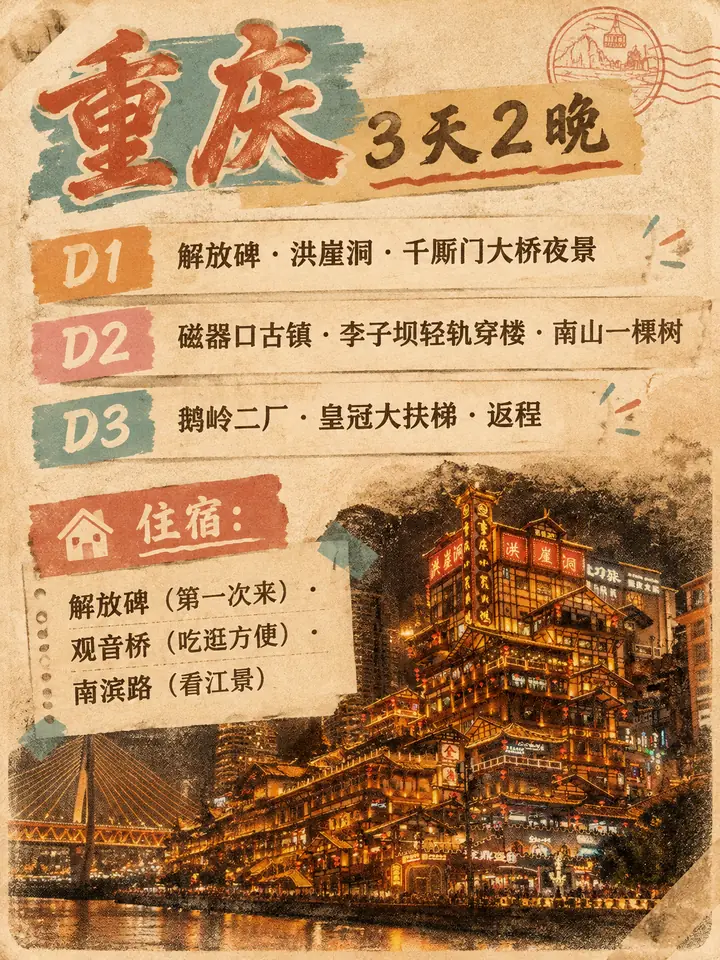
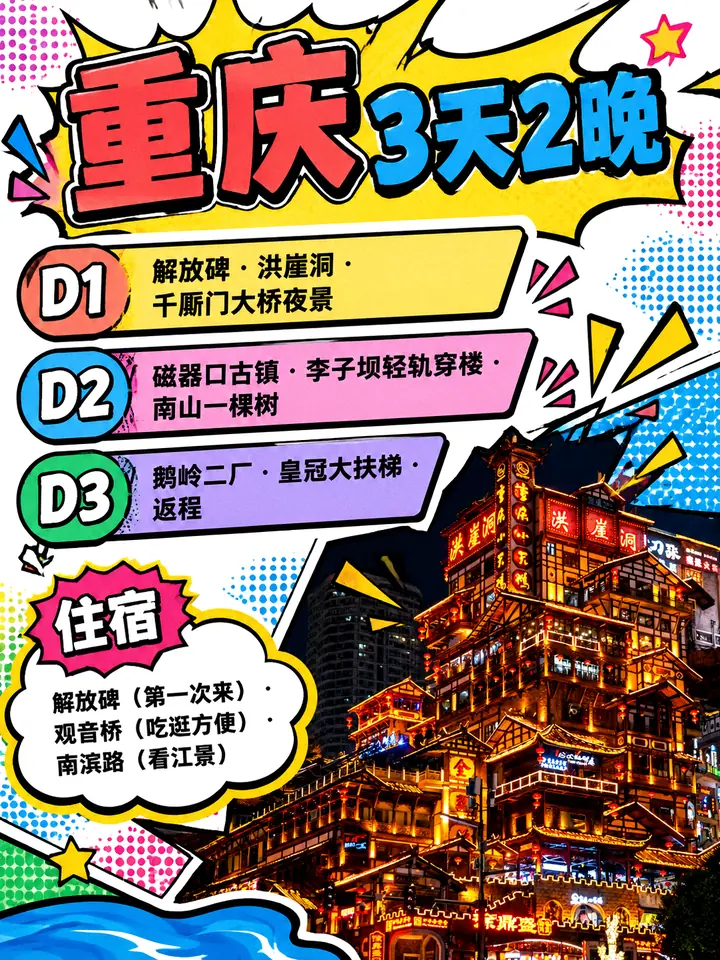
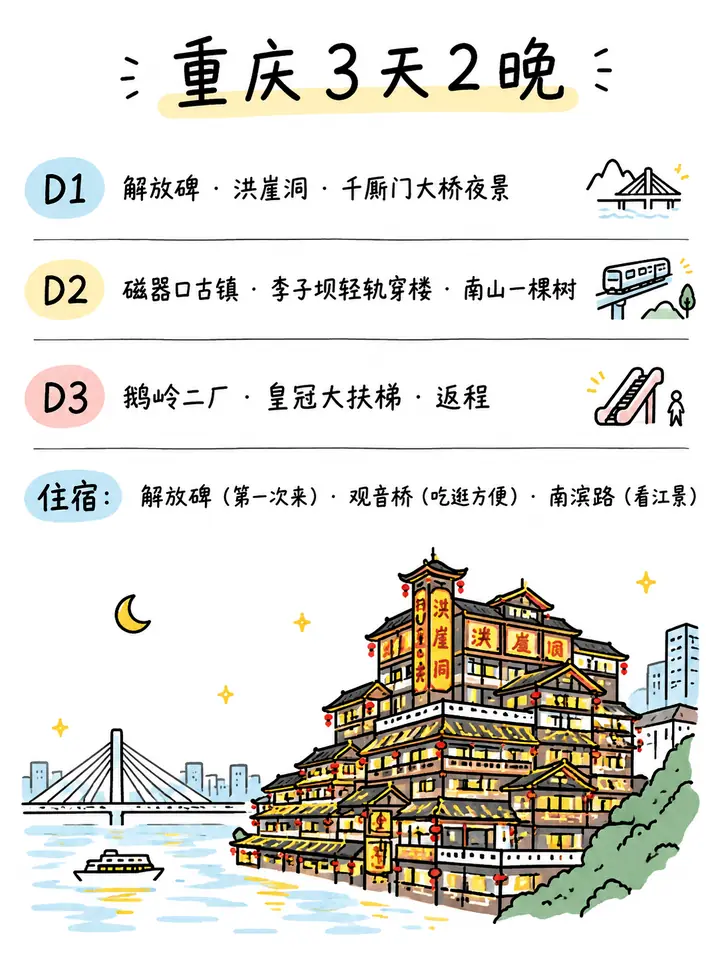
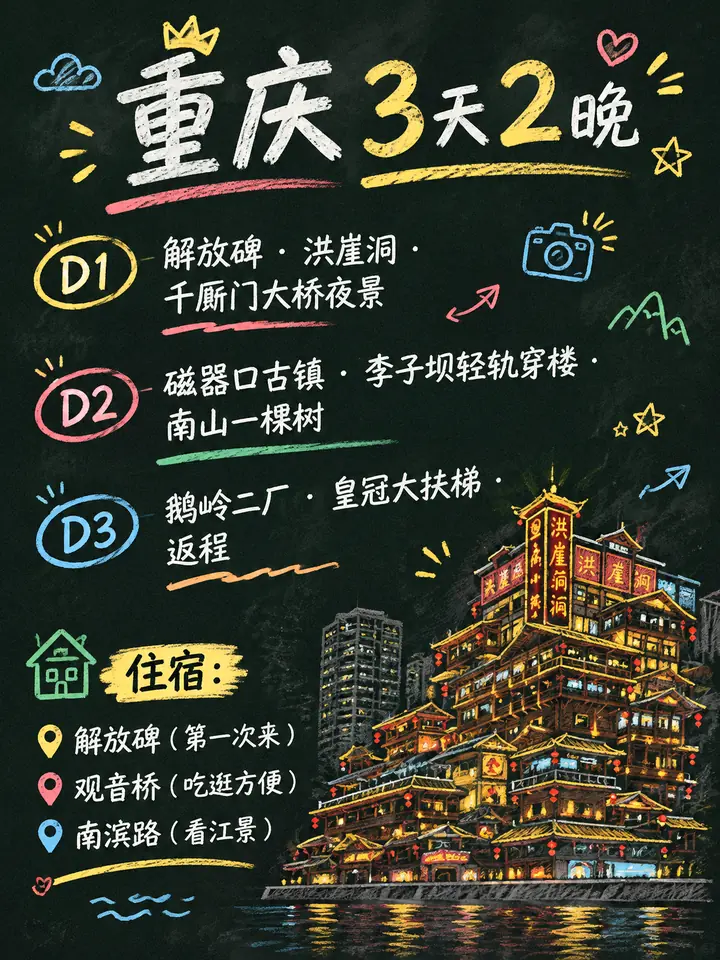
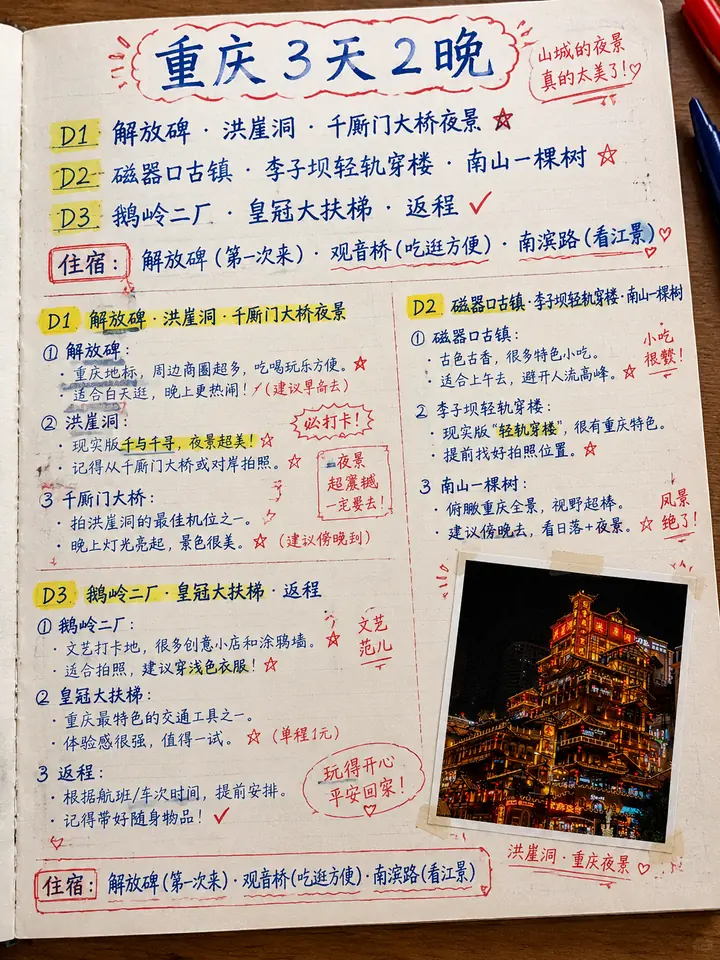
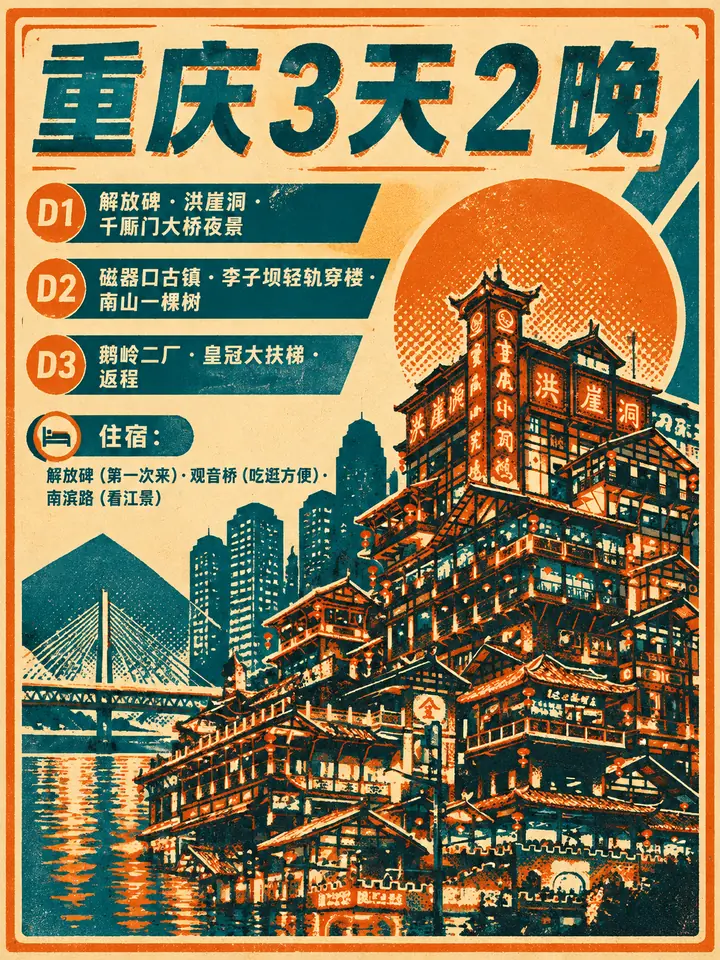
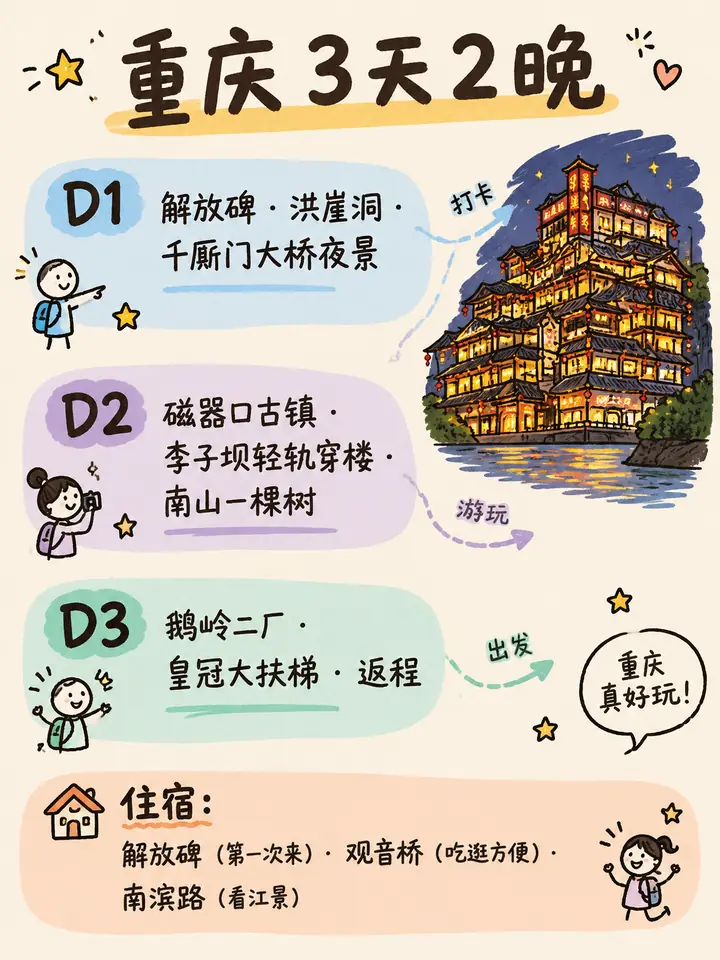
Information cards need a real reference too, and looking like a designed graphic is no reason to skip it. Readers will compare the landmarks and street scenes on a card with the real place just the same, so a verified real image is attached at generation here as well.
Keeping one style across a set
Both capabilities can produce images as a set.
On canvas: travel posts default to 3:4 portrait, which is 1080×1440 on content platforms such as Xiaohongshu. When generating from a real reference, T-Agent keeps the original ratio where it can and makes the smallest adjustment only when a platform's crop requires it.
On style: the first image is generated first, and every later one takes it into its reference list as the visual anchor for the set, which keeps tone, light and elements from drifting between images. Later cards in an infographic set have that anchor and still each keep a real primary reference of their own.
Scope and limits
- It does not fake real photos, people, certificates, page screenshots or data screenshots, and does not generate assets that look like brand-authorised material.
- A reference is only a reference and is not cleared for publishing. Using a public image directly still needs separate confirmation of licence, likeness and trademark rights.
- Where the target platform has stricter authorisation rules or bans on AI-generated content, the platform's rules apply.
- Prices, opening hours, routes and packages follow the current official page or sales material. Images are not used to fill in missing information.
Three ways to start: your own photos, a link or a topic
If you have your own photos, hand them to T-Agent. It checks that the material matches the content before deciding how to use it. If you have a destination or product link, it looks for images in the four-level order above. A topic alone is enough too: the content gets made first, and references are added for each image slot afterwards.
The last test for a travel image happens on site: readers arrive and recognise the place from the picture. A longer prompt will not pass that test. A real reference photo is where it starts.
T-AGENT
Turn business questions into analysis you can act on
Connect authorized travel business data and plugins to identify the next operational action.